Operation
Label creation
Label creation can be done in two places: in the order details, or in bulk from the Shipments menu of the plugin.
1. From the order details
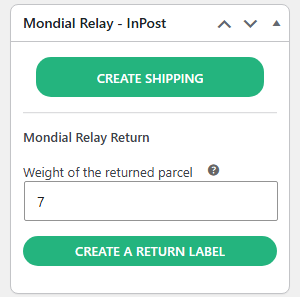
Once the shipment is created (see Shipment creation), the Mondial Relay – InPost box offers three buttons to download the label in PDF format: A4 Label, A5 Label and 10×15 Label.
2. From the Shipments menu of the plugin
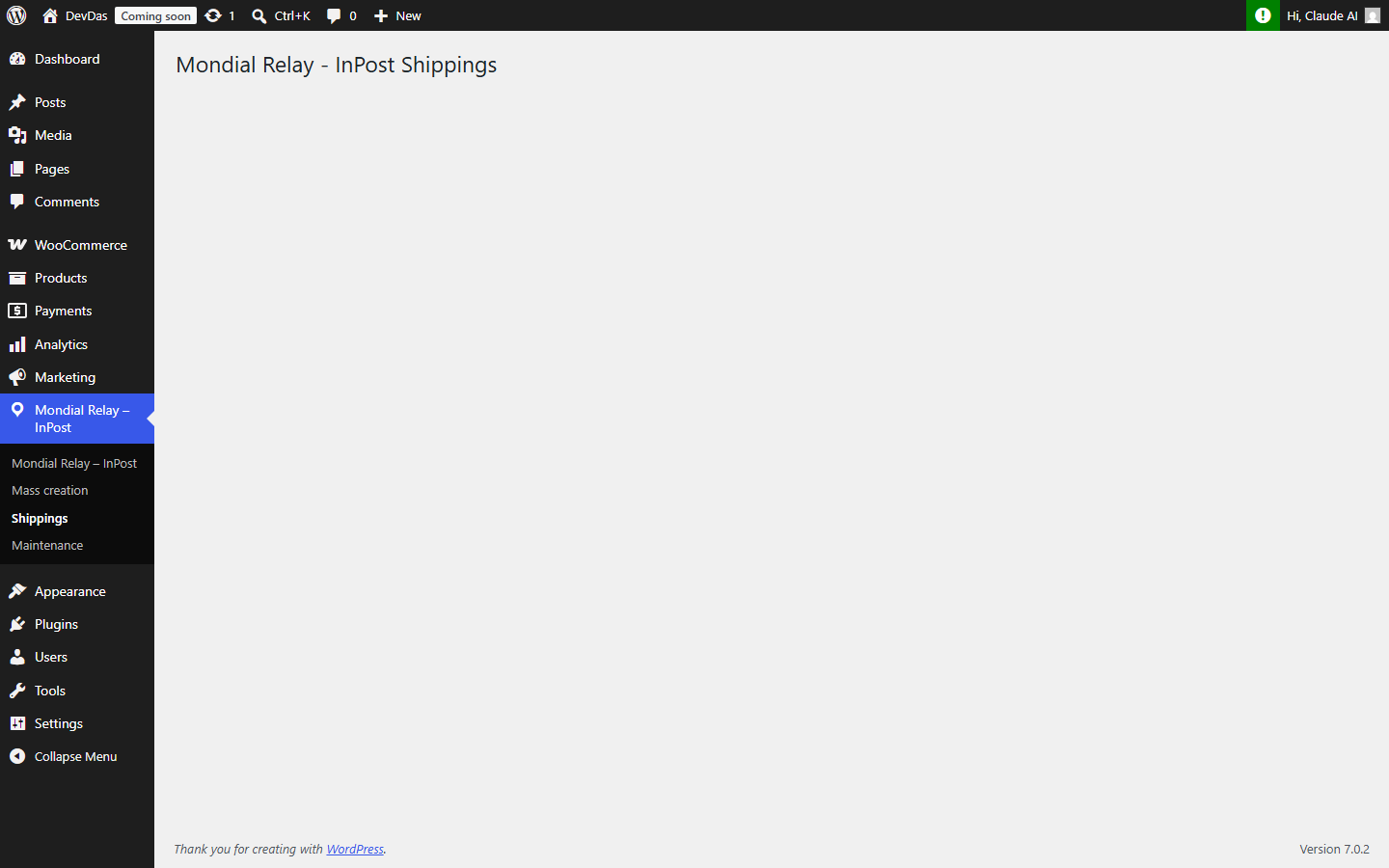
From your WordPress back-office, hover over the Mondial Relay – InPost menu in the left column, then click on the Shipments submenu (1). This page groups all Mondial Relay – InPost shipments of the store.
Check the orders for which you wish to retrieve the labels in the first column, then click on Regenerate labels:
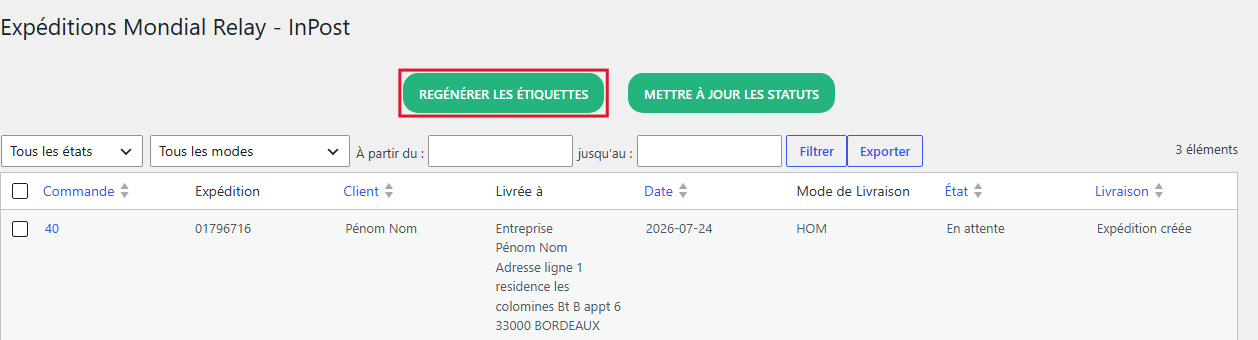
Once the labels are regenerated, you can download them in your desired format (A4, A5 or 10×15).
Note: labels are generated directly on Mondial Relay – InPost servers via a signed URL; no PDF files are stored on your own server.