
Operation
Mass creation of shipments and labels
Bulk creation of shipments and labels allows you to process multiple orders in a single operation, from a dedicated menu in the plugin.
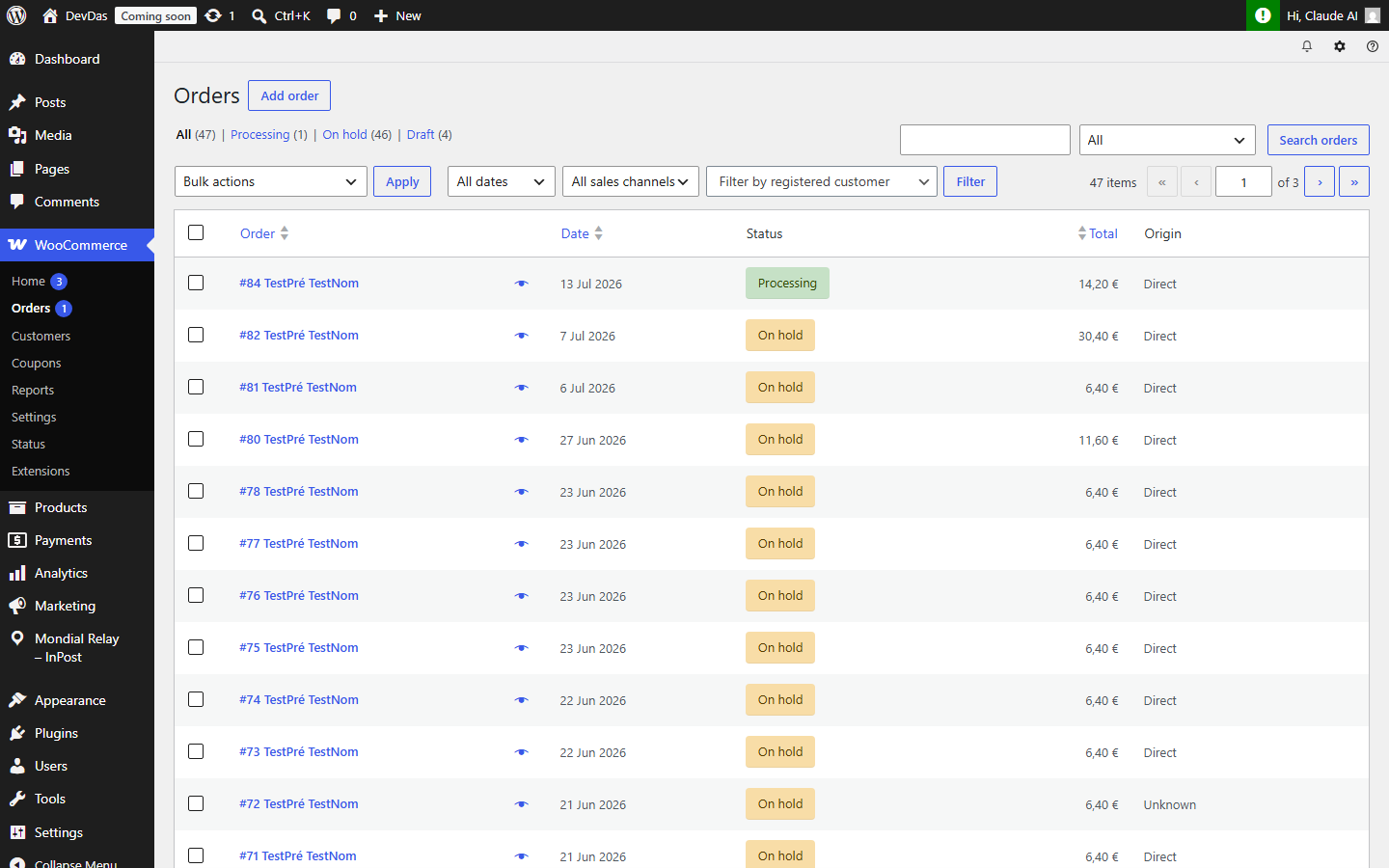
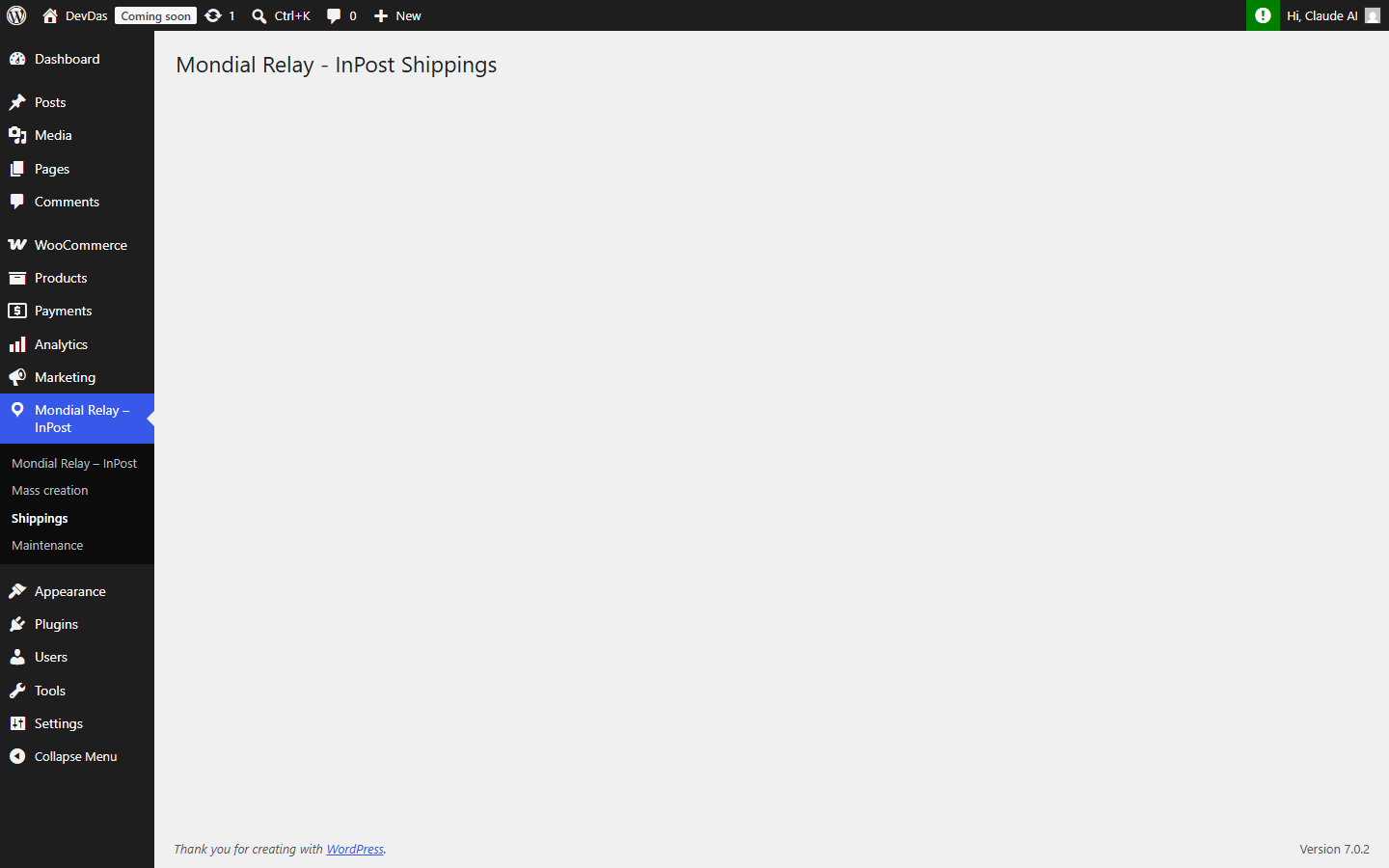
From your WordPress back-office, hover over the Mondial Relay – InPost menu in the left column, then click on the Bulk creation submenu (1).
The table of orders pending creation of a Mondial Relay shipment appears as follows:
The following actions are possible in this table:
- Filter orders by status, including WooCommerce standard statuses and custom statuses.
- Filter orders by Mondial Relay delivery mode (24R for delivery to pickup point, HOM for home delivery, …).
- Filter orders by date.
- Sort the table by order number, delivery mode, date, or the person receiving the package.
- Check the orders to process, knowing that if no order is checked, all orders will be considered for shipment creation.
- Update the weight of each order.
- Remove the order from this list if it should no longer be shipped via Mondial Relay (warning, this action is irreversible).
Once the orders for which a Mondial Relay shipment must be created are selected (by filtering and/or by checking the corresponding line), simply click the “Bulk shipment creation” button. The shipment creation process then starts and processes the orders one by one in the table’s display order. The result for each order is displayed in the right column: the shipment number in green if successful or the error message in red if there is an issue.
Once the process is complete, the three label retrieval buttons in A4, A5 and 10*15 formats will appear above the table. They will allow you to download all labels in their order of creation within a single PDF file (WARNING: do not reload the page without having retrieved the labels, as they will no longer be accessible afterwards).
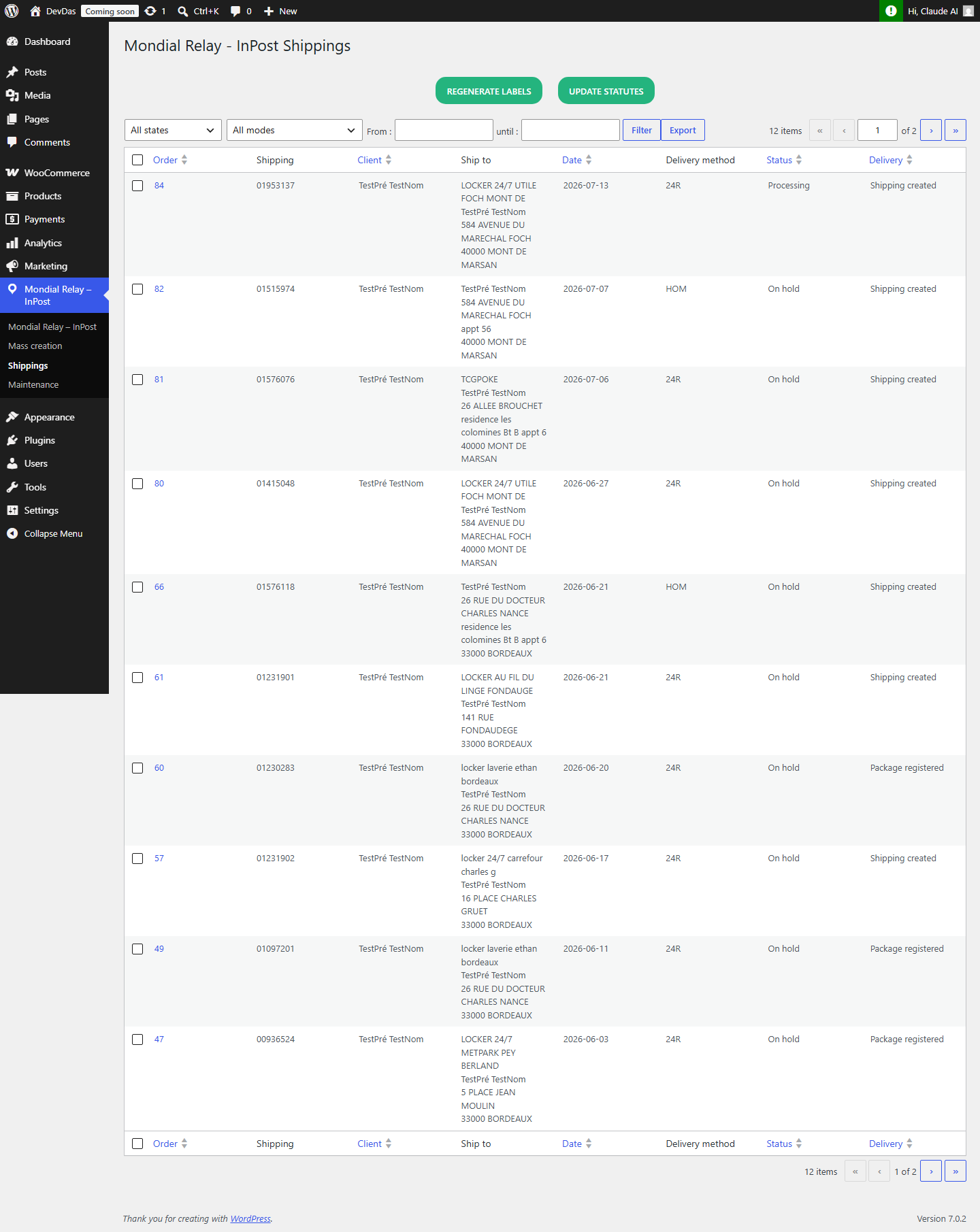
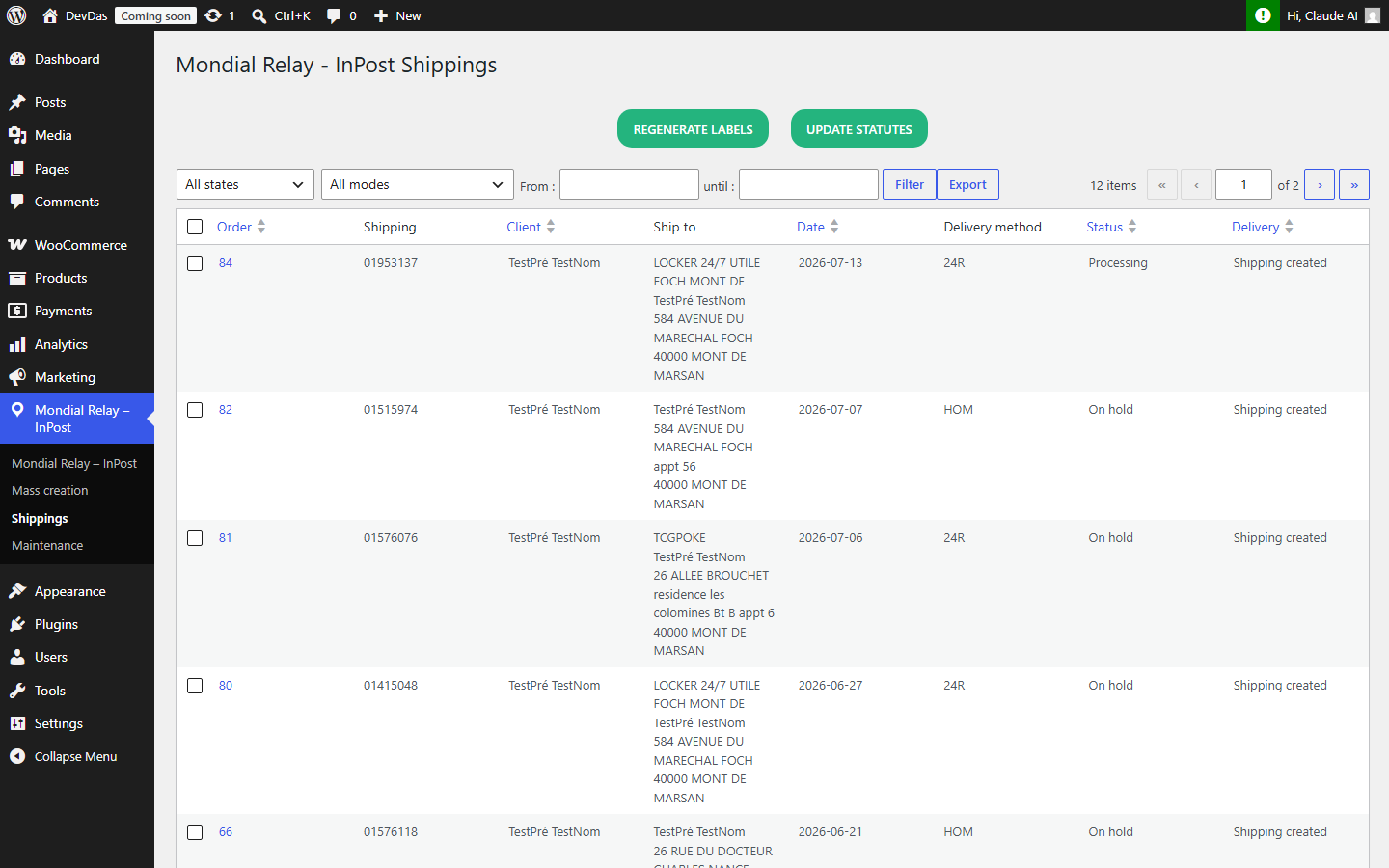
The shipments created this way are always available in the plugin’s “Shipment” menu and the information for each shipment is also available on the WooCommerce detail page of each order (with the possibility to retrieve the labels individually).