Versions
How to switch from obsolete 24R code to 24R/MED and 24R/APM
The Mondial Relay – InPost group is increasing the number of Pickup Points and is developing in parallel an important network of Lockers. These two delivery modes have different constraints in terms of operation, maximum authorized weight (25kg for Lockers, 30kg for Pickup Points) and maximum parcel size (Length 64/ width 41/ height 38 for Lockers). It became necessary to differentiate these delivery modes. The current 24R code thus becomes obsolete and is replaced by two codes: 24R/MED for pickup points and 24R/APM for Lockers.
Access shipping method settings
From your WordPress back-office, click on the WooCommerce menu (1), then on the Shipping tab (2), and finally on Edit (3) at the level of the delivery zone concerned, before opening the Mondial Relay – InPost shipping method settings to be updated.
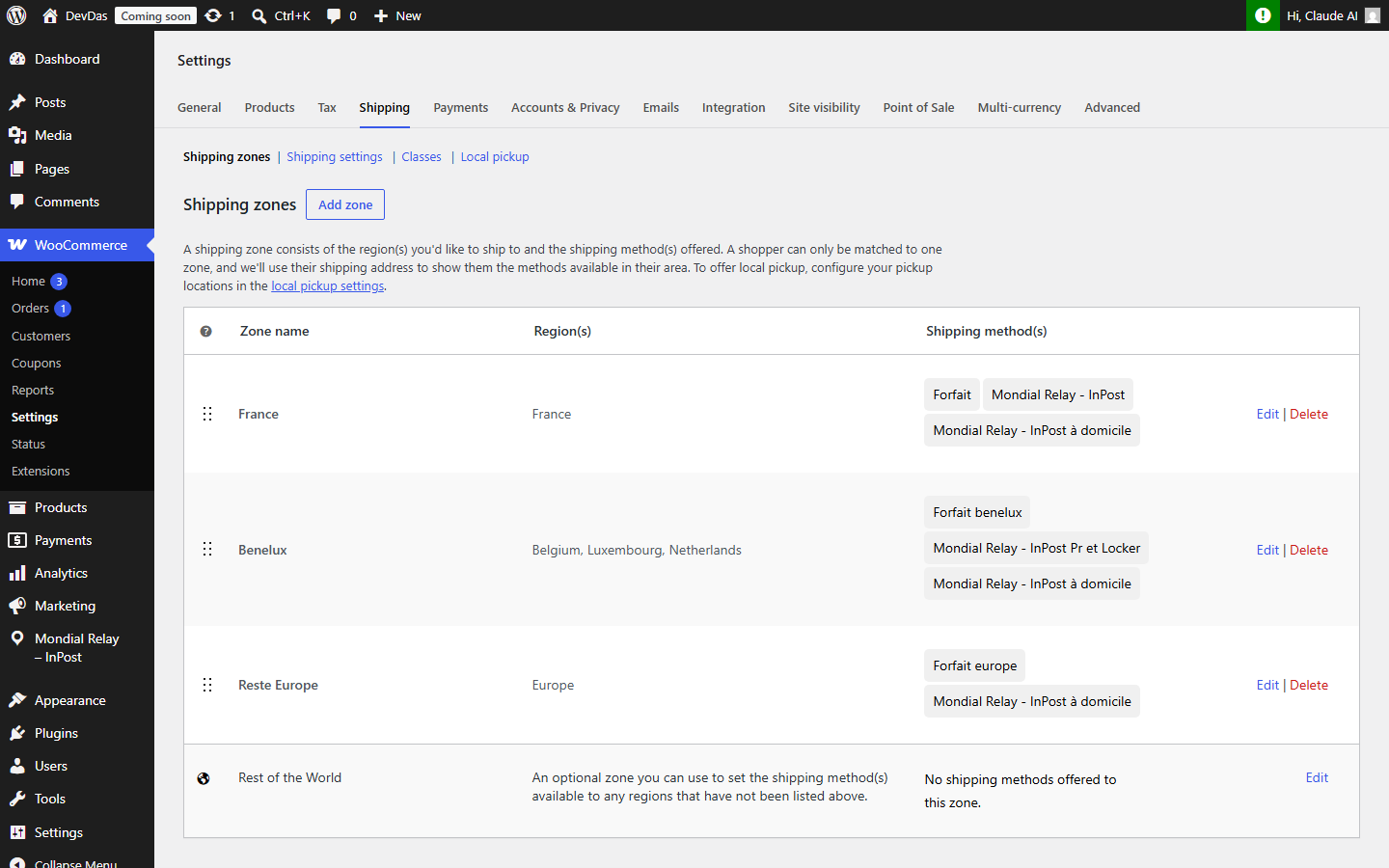
To continue offering pickup point delivery, you simply need to go to your shipping method settings and change the 24R code to 24R/MED in the dedicated dropdown menu:

Following this modification, your shipping method will offer the choice of pickup points to your customers. If needed, don’t forget to change the name of your shipping method to remove the mention “Locker” or update the brand name used.
If you prefer to only offer locker delivery, you can perform the same steps, but this time using the 24R/APM code.
To offer both Pickup Point delivery and Locker delivery to your customers, you must create a second shipping method dedicated to Lockers with the 24R/APM code. To do this, you need to create a new shipping method dedicated to this delivery mode.