
Operation
Creation of shipments
Creating a Mondial Relay – InPost shipment is done directly from the concerned WooCommerce order, as long as it uses a Mondial Relay – InPost delivery method.
1. Access the order
From your WordPress back-office, click on the WooCommerce menu (1), then on Orders (2), and open the concerned order by clicking on its number.
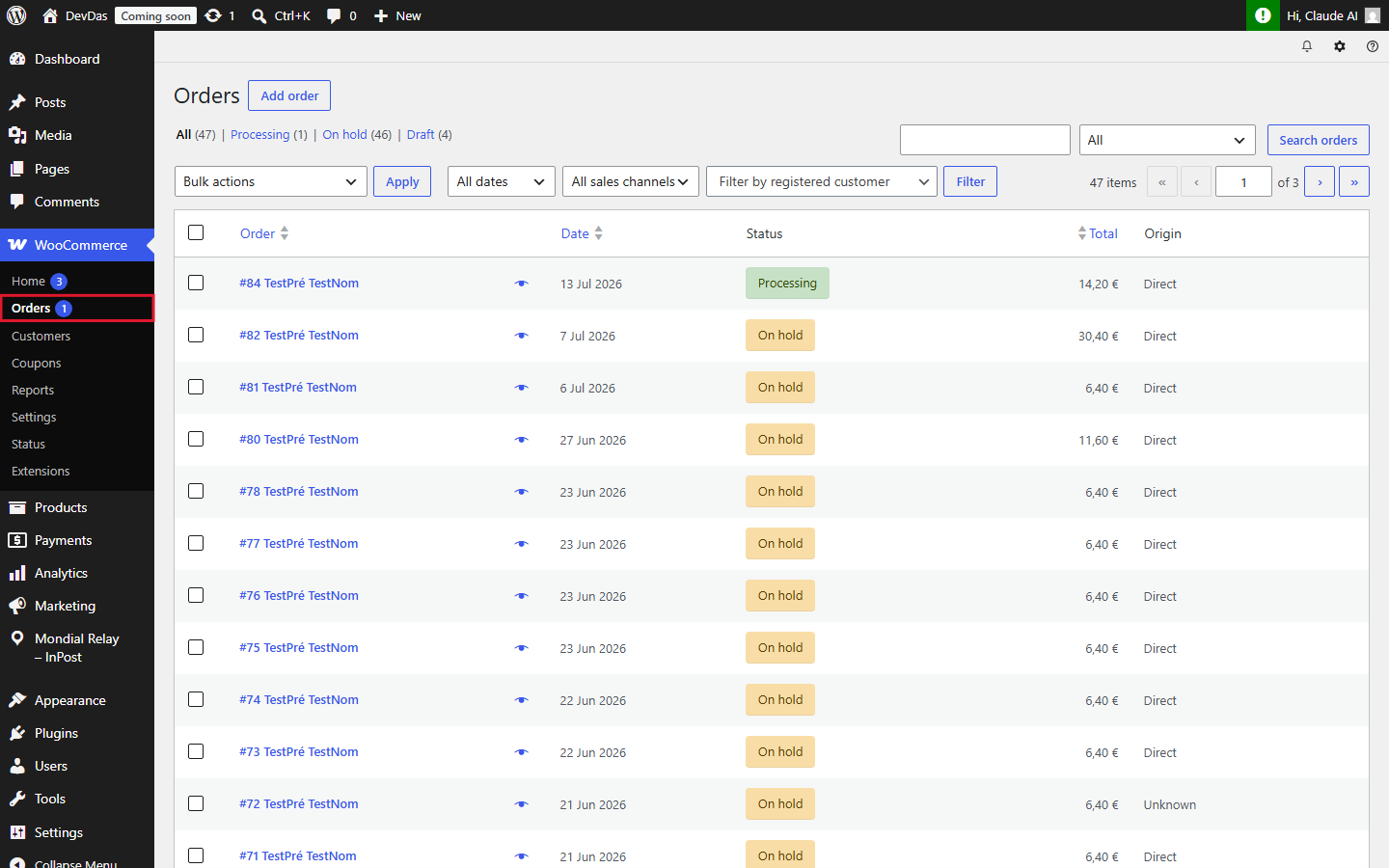
In the order details, the Mondial Relay – InPost box appears in the right column. If the order does not use a Mondial Relay – InPost delivery method, this box indicates that no shipment can be created.
2. Create the shipment
If the order does use a Mondial Relay – InPost delivery method, click on the Create a shipment button:
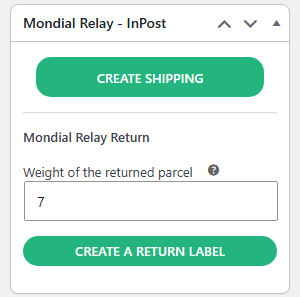
The plugin automatically transmits the order information to Mondial Relay – InPost (pickup point or delivery address depending on the mode, parcel weight calculated from the ordered products, recipient details, etc.). In case of error, a message displays the return code and its meaning.
If everything goes correctly, the box displays the shipment number, the pickup point and status, as well as the label printing and tracking buttons:
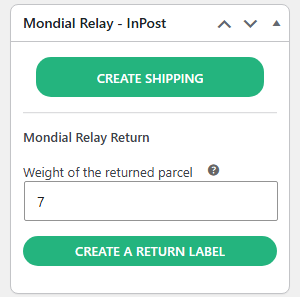
For label printing, refer to the Creating labels page. For parcel tracking, refer to the Tracking shipments page.
To process multiple orders at once, refer to the Bulk creation of shipments and labels page.