
Operation
Shipment tracking
Shipment tracking can be done in two places: in the order details, or in bulk from the Shipments menu of the plugin. The status of shipments is also updated regularly in the background.
1. From the order details
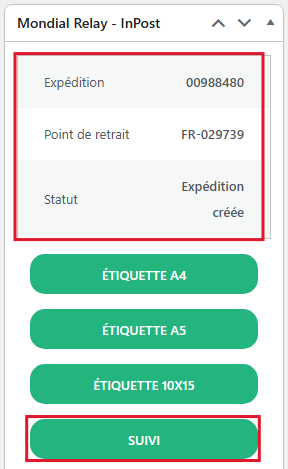
The Mondial Relay – InPost box displays the shipment number, the pickup point and the current Status of the shipment. Click the Track button to query Mondial Relay – InPost and update this status immediately:
2. From the plugin Shipments menu
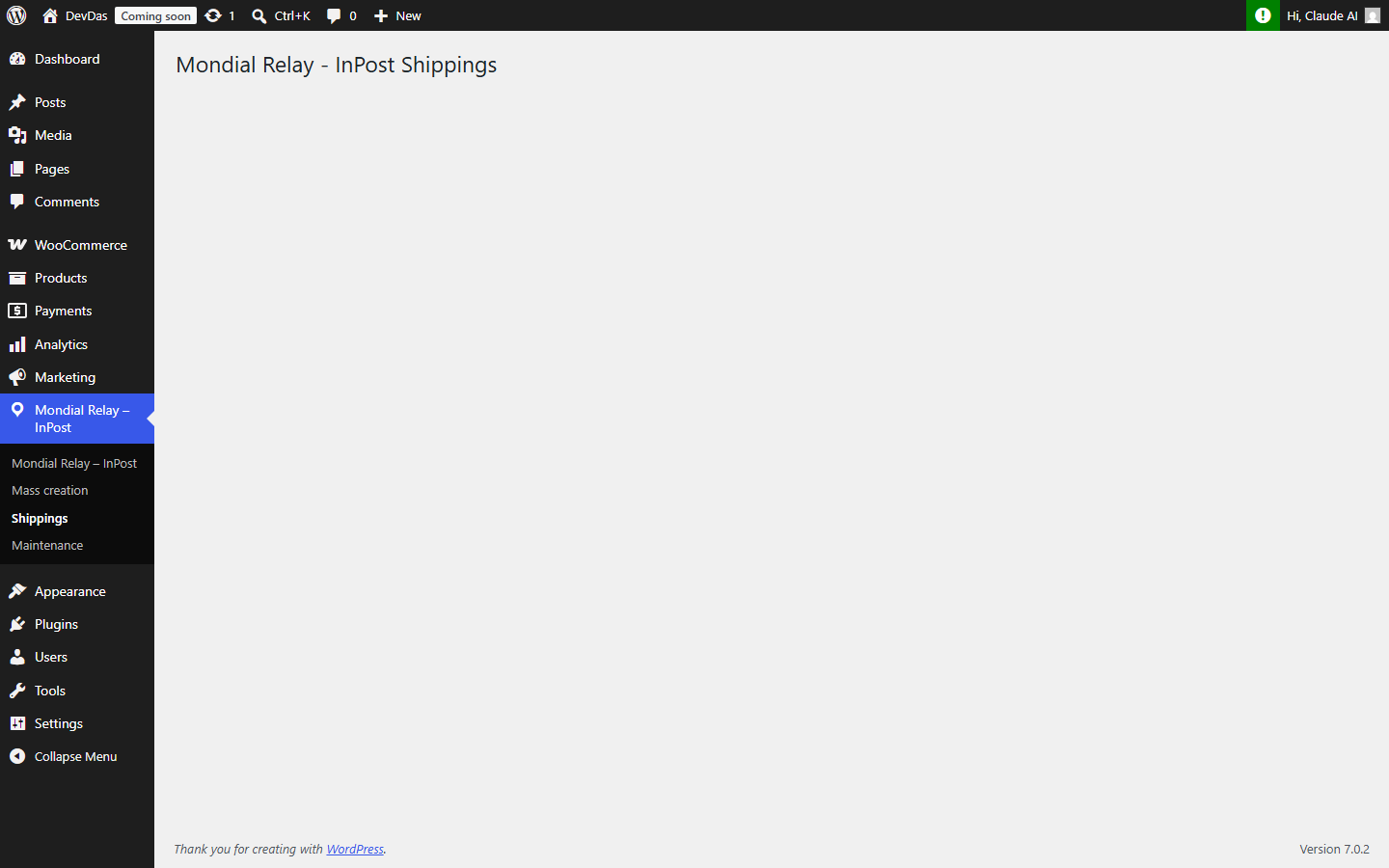
From your WordPress back-office, hover over the Mondial Relay – InPost menu in the left column, then click on the Shipments submenu (1). This page groups all Mondial Relay – InPost shipments from the store, with their tracking status.
Click the Update statuses button, at the top of the page, to automatically refresh the status of all displayed shipments:

You can filter the list by status, by delivery method or by date range, and export it in the desired format using the Export button.